From this ⤵
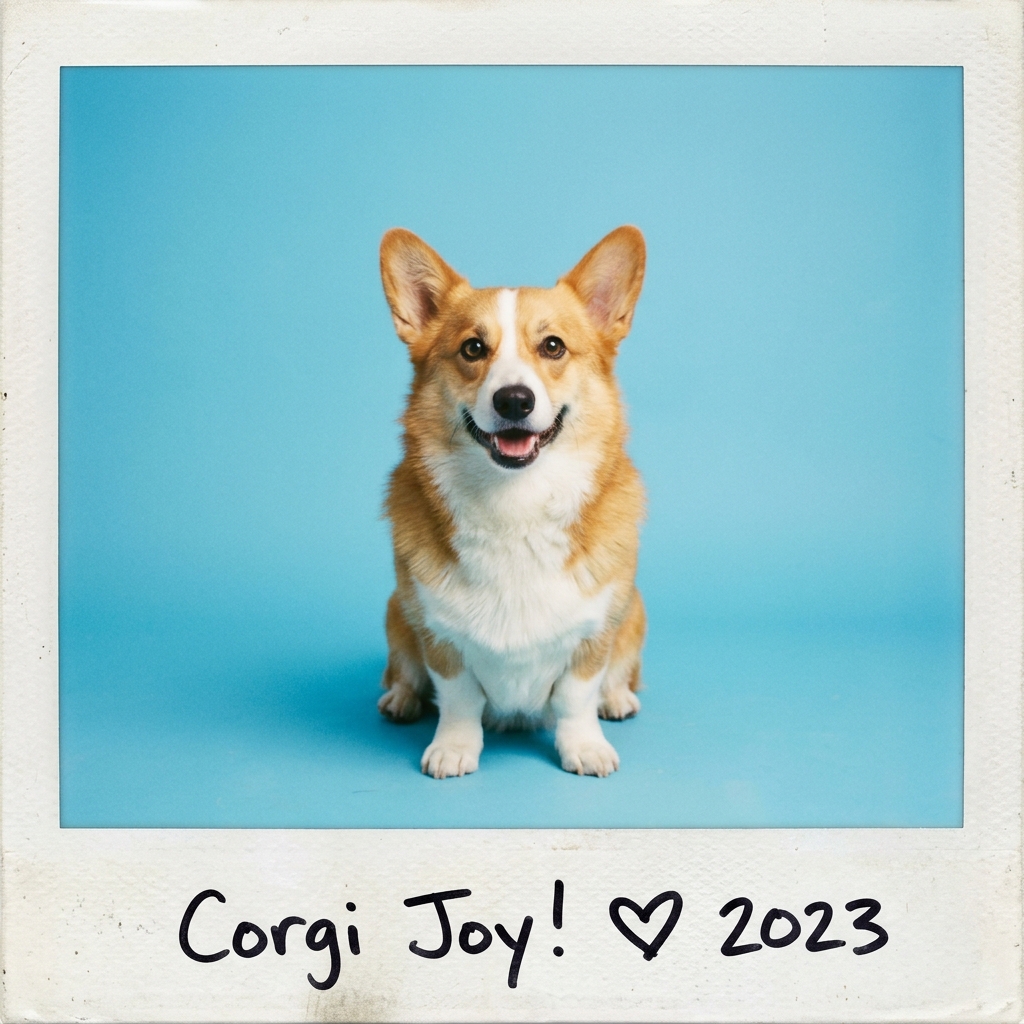
Drop your image here
or
PNG, JPG, WEBP supported (Up to 20MB)
To this! ⤵
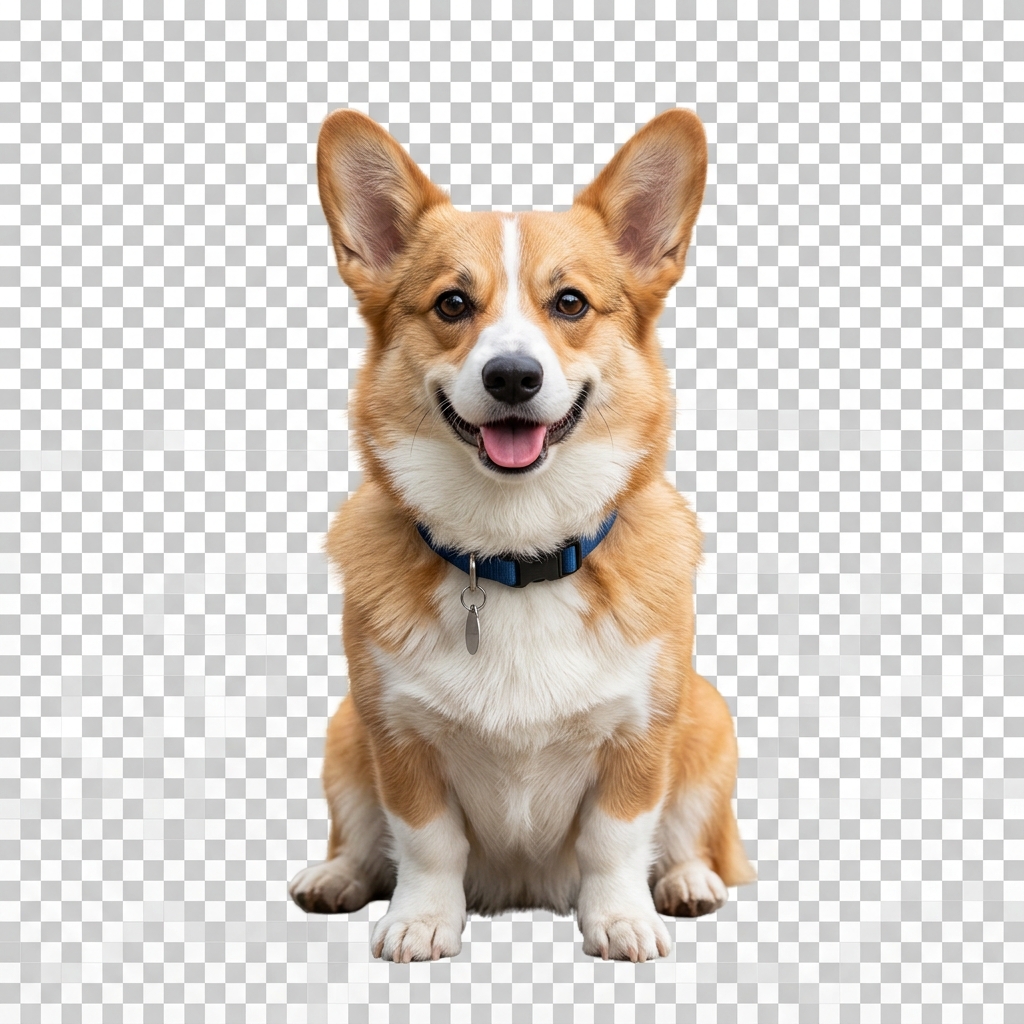
Remove image backgrounds automatically with 100% private local browser AI.
The Remove Background tool extracts foreground subjects from digital images and replaces the background with transparency using client-side AI processing. It executes a local WebAssembly neural network model (@imgly/background-removal) directly inside your web browser without transmitting your photos to external cloud servers.
Accepts single image uploads in standard raster formats including PNG, JPEG, JPG, and WebP. Recommended resolution is under 4000x4000 pixels for optimal in-browser memory utilization.
Produces a full-resolution PNG image with transparent alpha channel. Real-time preview includes an interactive split comparison slider and customizable background preview colors.
Input: A 1920x1080 JPEG photo of a person standing outdoors with trees in the background.
Operation: Drag the JPEG into the dropzone. The WebAssembly model detects the subject boundary and computes an alpha matte mask in ~3 seconds.
Output: A 1920x1080 PNG file containing only the person with a fully transparent background.
All neural network inference occurs strictly inside your web browser using WebAssembly and local device GPU/CPU memory. Image data is never transmitted across the network, stored on a remote server, or retained after closing the browser tab.
Initial processing requires a one-time download of the AI model bundle (~20-40 MB cached locally). Very high-resolution images (>20 MP) may experience slower processing on devices with limited RAM.
No. The entire background removal model runs locally in your browser memory using WebAssembly. Your photos never leave your device.
The tool accepts PNG, JPEG, JPG, and WebP image files. The downloaded output is always formatted as a transparent PNG.
Yes. The interactive preview controls allow you to inspect the cutout against transparent checkerboard, white, black, or custom solid color previews before downloading.
More tools for your images.